Addressly Is Now Built for Shopify | Address Autocomplete
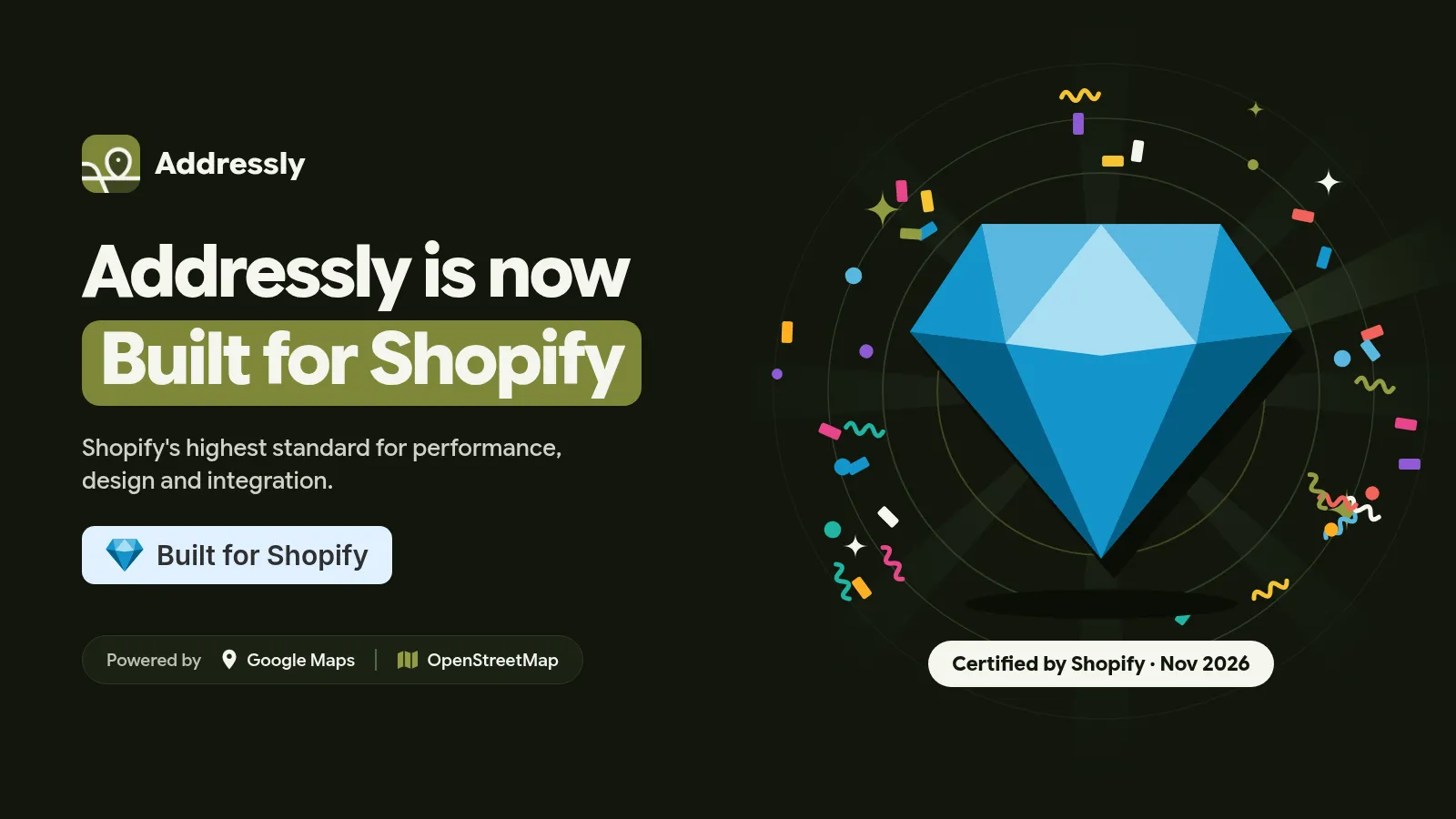
Addressly, the Shopify address autocomplete app by Winsomies, is now Built for Shopify. See what the badge means and how it prevents wrong addresses.
Addressly Is Now Built for Shopify: Accurate Addresses, Certified Quality
TL;DR: Addressly, the address autocomplete and validation app by Winsomies, has earned Shopify's Built for Shopify status, Shopify's highest standard for app performance, design and integration. Addressly suggests and autofills shipping addresses as customers type (Google Maps, Google Places and OpenStreetMap), offers one-tap GPS detection and a live map pin picker, and adds a native checkout block for Shopify Plus. It works for stores worldwide. Plans start at $6.99/month with a 7-day free trial. Install Addressly on the Shopify App Store.
Today we're proud, and deeply grateful, to share that Addressly is officially Built for Shopify. The badge now appears on our Shopify App Store listing, and it belongs as much to the merchants who trusted us early, tested every release and sent honest feedback as it does to our team.
Our mission has always been simple: No More Wrong Address. Here's what the badge means, why it matters for your store, and how Addressly helps every order reach the right door.
What Is the Built for Shopify Badge?
Built for Shopify (BFS) is a status Shopify awards to apps that, in Shopify's words on the App Store, "meet our highest standards for performance, design, and integration." It isn't bought or self-declared. Apps have to meet a published list of Built for Shopify requirements and pass Shopify's review.
Those requirements include:
- Prerequisites: good Partner standing, continued compliance with App Store rules, a minimum number of net installs from active paid shops, a minimum number of reviews, and a minimum recent rating.
- Performance: fast admin pages measured with Core Web Vitals (LCP ≤ 2.5 s, CLS ≤ 0.1, INP ≤ 200 ms at the 75th percentile), and minimal impact on storefront speed (no more than a 10-point drop in Lighthouse performance score).
- Integration: the app is embedded in the Shopify admin, keeps primary workflows inside Shopify, signs merchants up with their Shopify credentials, and uses theme app extensions so uninstalling is clean.
- Design: a familiar, Polaris-like interface that's mobile-friendly, has helpful onboarding and clear error messages, and avoids dark patterns, pressure tactics and false claims.
Why the BFS Badge Matters to Merchants
When you install an app that touches your checkout, you're trusting it with your conversion rate. The BFS badge gives you independent signals before you click "Install":
Speed you can count on
BFS apps must stay within Shopify's performance thresholds, so Addressly is held to a standard designed to protect your store speed and admin experience.
A clean, native experience
Addressly is embedded in your Shopify admin and follows Shopify's design guidelines, so it feels like part of Shopify. No separate dashboard, no extra login.
Safe to try, clean to remove
Theme app extensions mean Addressly doesn't hack your theme files. If you ever uninstall, its blocks are removed automatically.
Honest by design
BFS apps can't use countdown pressure, guilt-trip buttons or outcome guarantees. You get clear plans, clearly labeled features and transparent pricing.
What Addressly Does
Addressly adds real-time address autocomplete, autofill and validation to your Shopify store. As customers type, it suggests accurate addresses from Google Maps, Google Places and OpenStreetMap, fills in the fields for them and helps catch typos before an order is placed. That means fewer failed deliveries, fewer "where's my order?" tickets and fewer costly reshipments.
It works for stores in every country, whether you ship across a city or across continents.
Key Features
Real-time address autocomplete
Suggestions appear as shoppers type, and one click fills building, street, area, city and country.
One-tap GPS location
In the "Select Your Delivery Location" popup, which opens when a shopper clicks Check out on the cart page, one tap detects their location and fills the full shipping address in seconds.
Live map picker
Shoppers can drop a pin on their exact drop-off point. That's ideal for villas, compounds, new developments and places where street addresses are vague.
Native Shopify Plus checkout block
On Shopify Plus checkouts, Addressly adds an inline map card as a checkout UI extension that you place straight from the checkout editor.
Fully customizable
Match the modal, markers and colors to your brand, and set country-specific delivery rules.
Fast, human support
Merchants regularly mention our support in their reviews, and we intend to keep it that way.
Who Addressly Is For
- Stores with failed or late deliveries caused by incomplete or misspelled addresses.
- Merchants shipping to regions with informal addresses, where a map pin beats a street name.
- Local delivery and same-day brands that need an exact drop-off point.
- Shopify Plus brands that want a native checkout map block.
- Global stores selling across multiple countries and address formats.
Pricing
Both plans include a 7-day free trial and are billed in USD every 30 days.
| Plan | Price | Highlights |
|---|---|---|
| Standard | $6.99/month | OpenStreetMap autocomplete, map picker for exact location, one-tap GPS detection, fully customized modal, markers and colors, priority email and chat support |
| Pro | $8.99/month | Everything in Standard, plus Google Maps autocomplete, native Shopify Plus checkout extension, automatic location detection, autofill without a pop-up |
Pricing as shown on the Shopify App Store listing on November 3, 2026. Check the listing for the latest plans.
How to Get Started
- Install Addressly from the Shopify App Store. Sign-up uses your Shopify account.
- Choose a plan and start your 7-day free trial.
- Enable the Addressly app embed in your theme, or add the checkout block if you're on Shopify Plus.
- Customize the colors, markers and popup to match your brand.
- Place a test order and watch the address fill itself in.
Thank You
To every merchant who installed Addressly, reported a bug, requested a feature or left a review: thank you. This badge is a milestone, not a finish line. We'll keep making Addressly faster, smarter and easier, so every package finds its way home.
Ready for no more wrong addresses? 👉 Install Addressly free for 7 days
Frequently Asked Questions
What does "Built for Shopify" mean for Addressly?
It means Shopify has reviewed Addressly and confirmed that it meets Shopify's highest standards for performance, design and integration, as listed in the official Built for Shopify requirements.
What does Addressly do?
Addressly is a Shopify app that autocompletes, autofills and validates shipping addresses in real time using Google Maps, Google Places and OpenStreetMap. It also offers one-tap GPS detection and a map pin picker to reduce failed deliveries.
Does Addressly work outside the UAE?
Yes. Addressly works for Shopify stores and shoppers in all locations worldwide.
Do I need Shopify Plus to use Addressly?
No. On standard Shopify plans, Addressly shows a "Select Your Delivery Location" popup when shoppers click Check out on the cart page. Shopify Plus stores can also use the native inline map card in checkout.
How much does Addressly cost?
The Standard plan costs $6.99/month and Pro costs $8.99/month. Both come with a 7-day free trial.
Which map providers does Addressly use?
Google Maps and Google Places (Pro) and OpenStreetMap (Standard and Pro), with Leaflet used for map display.
Will Addressly slow down my store?
Built for Shopify apps must meet Shopify's performance requirements, including a limit on storefront Lighthouse score impact. Addressly is held to those standards.