How to Show Local Prices Before Black Friday | Shopify Currency Converter
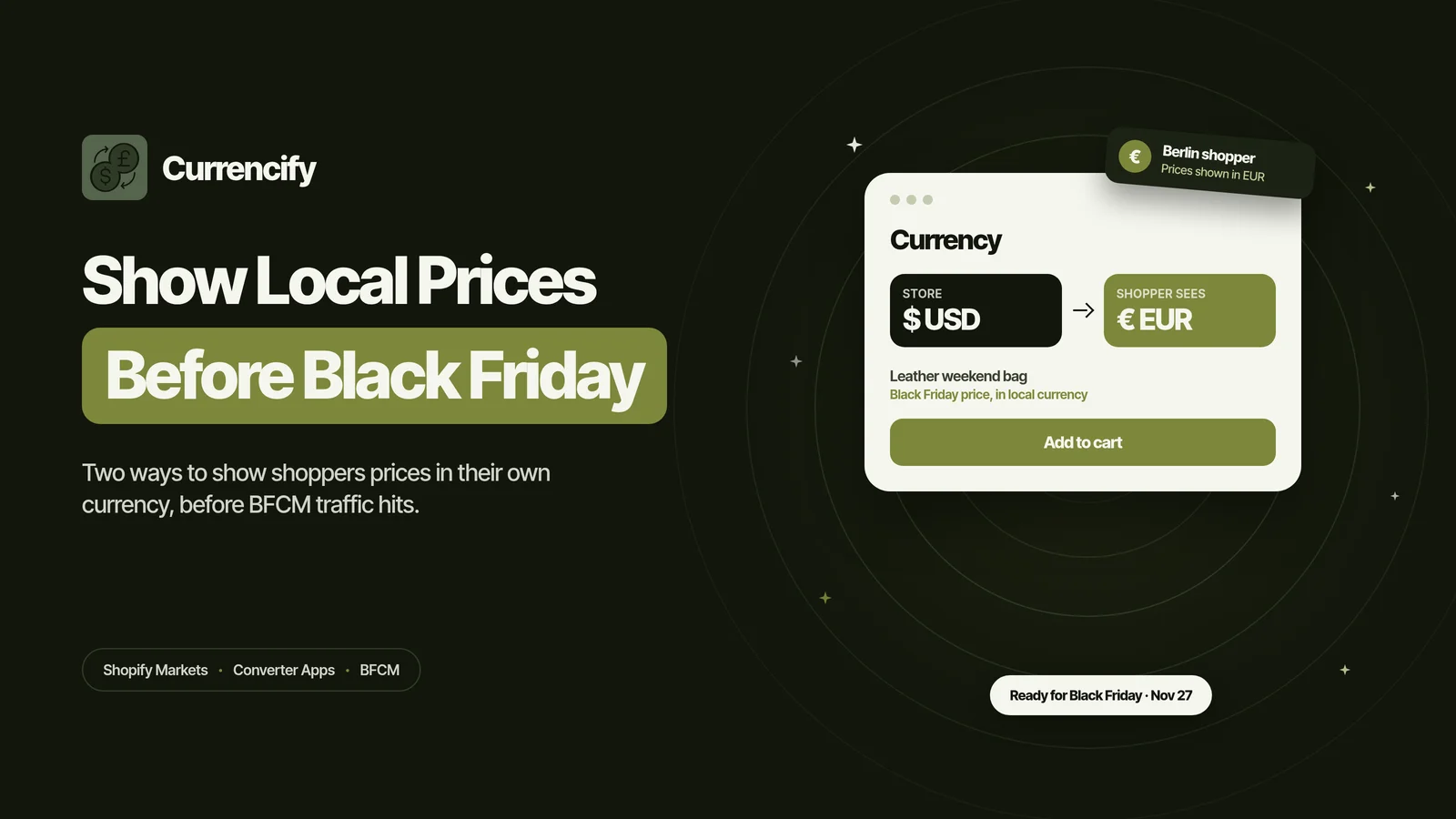
Set up a Shopify currency converter before Black Friday: use Markets with Shopify Payments, or an app on other gateways. Plus a BFCM checklist.
Shopify Currency Converter: How to Show Local Prices Before Black Friday
TL;DR: A Shopify currency converter shows each visitor your prices in their own money. If your store uses Shopify Payments, Shopify Markets can convert prices and let customers pay in their local currency, at no extra app cost, though Shopify adds a currency conversion fee. If you're on a third-party gateway (for example, if your business is in Pakistan or India, which aren't on Shopify's supported countries list), Markets can't charge in local currencies, and a display converter app is the practical way to show local prices. On the Currencify App Store listing, the Standard plan is $5.99 a month, or $70 a year, with a 7-day free trial. Black Friday is Friday, November 27, and Cyber Monday lands on November 30.
A Shopify currency converter shows each visitor your prices in their own money, so a shopper in Toronto sees CAD instead of doing maths on a USD tag. Black Friday is this Friday, November 27, and Cyber Monday lands on November 30. If your store only shows one currency, this is the week to fix it. Here are the two ways to do it, which fits your store, and what to check before traffic spikes.
I'm the founder of Winsomies, a small Shopify app studio based in Leicester, UK. We build focused apps that fix one store problem each. One of them is Currencify, a currency switcher. I'll be upfront about when you don't need it.
Why does local currency matter during BFCM?
Cross-border shoppers are a real slice of BFCM traffic. During BFCM 2025, cross-border orders made up 16% of all orders on Shopify, out of a record $14.6 billion in sales (Shopify). If those shoppers have to convert prices in their heads, some of them leave before they get to checkout.
The research on currency friction is older but consistent. In a 2012 survey of 30,000 online shoppers in Canada, the UK, Australia and Germany, 92.2% said they'd rather buy from sites that price in their local currency, and 33% said they'd likely abandon a purchase if prices were in USD only (E4X via Yahoo Finance).
Say you sell leather bags in USD. A shopper in Berlin sees "$129, now $99 for Black Friday." She doesn't know if that's €85 or €95, so she opens a new tab to check. That tab is where you lose her. Show the price in euros on the product page and there's nothing left to work out.
What is a Shopify currency converter?
A Shopify currency converter is a tool that changes the prices shown in your store into the visitor's local currency. Some converters only change what's displayed on the storefront. Others, like Shopify's own Markets feature, also let the customer pay in that currency at checkout. That difference matters more than anything else in this post.
So there are two kinds:
- Native local currency through Shopify Markets. Prices show, charge and refund in the shopper's currency. It needs Shopify Payments or Adyen.
- A display converter app. Prices show in the shopper's currency on product, collection and cart pages. Checkout follows whatever your payment setup supports.
Can Shopify convert currency automatically without an app?
Yes, if your store uses Shopify Payments. With Markets set up, Shopify converts prices at the current exchange rate, lets customers pay in their local currency and refunds them in it too. Without Shopify Payments or Adyen, orders are processed in your store's default currency, so native local pricing isn't available to you.
That rule comes straight from Shopify's local currency restrictions page. It also says that showing prices in local currencies and setting manual exchange rates both require Shopify Payments.
This is where a lot of merchants get stuck. Shopify Payments is only available to businesses in certain countries. The supported countries list covers places like the UK, US, Canada, Australia, most of the EU, Japan, Singapore and the UAE. Pakistan, India, Saudi Arabia and South Africa aren't on it. If your business is in one of those, you're on a third-party gateway, and Markets won't convert your checkout.
How do I set up local currency on Shopify with Markets?
To set up local currency on Shopify, add a market for each country you sell to, assign its currency, turn on automatic redirection, add a country selector to your theme and switch on price rounding. You need Shopify Payments for this. It costs nothing extra beyond conversion fees and lets shoppers pay in their own currency.
Step 1: Add your markets. In your Shopify admin, go to Markets. Add the countries or regions you sell to and set the currency for each one. If you only have a primary market, every visitor sees your store currency no matter where they are.
Step 2: Turn on automatic redirection. Go to Online Store > Preferences and switch on country/region redirection in the Automatic redirection section. Shopify then matches visitors to a market using their IP address (Shopify Help).
Step 3: Add a country selector. IP detection gets it wrong for people on VPNs, travelling, or buying a gift to ship abroad. Go to Online Store > Themes > Edit theme, open your header or footer section, and turn on the Country/region selector. Shopify notes that if your theme has no selector, wrongly localised customers have no way to switch.
Step 4: Round your prices. Converted prices come out ugly. Shopify's own example turns a $10.00 product into €8.81 once the exchange rate and a 1.5% conversion fee are applied, and rounding then takes it to €8.85 (Shopify Help). Turn rounding on for each market so a BFCM deal looks like a deal.
Step 5: Lock rates if you need stable BFCM prices. Automatic rates move every day. On Managed Markets you can set a manual exchange rate per market under Markets > [market] > Currency > Exchange rate (FX) > Manual. That stops your Black Friday price in Canada from shifting between Friday and Monday.
Why do my Shopify prices change at checkout?
Prices change at checkout when a converter app shows one currency on the storefront but your payment setup only charges in your store currency. Shopify itself warns that some currency apps display the shopper's chosen currency, then checkout reverts to the store's default. This is expected on third-party gateways, not a bug.
A shopper sees £40 on the product page, then $50 at checkout, and assumes you've added a hidden fee. The fix is to tell people before they get there.
If you're on a third-party gateway, add one line to your cart page, something like: "Prices shown in your currency are estimates. You'll be charged in USD at checkout." A text block in the cart template does it in two minutes.
Should I use a Shopify currency converter app or Markets?
Use Markets if you're on Shopify Payments, because customers can pay in their own currency. Use a currency converter app if you can't get Shopify Payments, or you want a switcher that auto-detects location and formats prices your way. On a third-party gateway, an app is the practical way to show local prices at all.
How I'd decide:
| Your store | What to use |
|---|---|
| UK or US store on Shopify Payments, selling to Europe and Canada | Markets. Set up EUR and CAD markets, turn on rounding, add the selector. You may not need an app at all. |
| Store in Pakistan or India selling to the Gulf, the UK and North America | Markets can't charge in local currencies for you. A display converter shows a Dubai shopper AED and a London shopper GBP, and your checkout charges in your store currency. Add the cart note above. |
| Any store with a theme that has no decent selector | An app gives you a switcher you can style and place without editing theme code. |
I built Currencify for the second and third groups. It detects the visitor's location, shows prices in their local currency, lets them switch manually, and has rounding options so converted prices look clean. You can change the switcher's look and position to match your theme.
On the Shopify App Store listing, the Standard plan is $5.99 a month, or $70 a year, with a 7-day free trial. It's new, so there are no reviews yet. If you try it this week, I'd honestly like to hear what breaks.
One thing it doesn't do: it doesn't change the currency your payment gateway charges in. That's set by Shopify and your gateway, as our Currencify page explains in its FAQ.
What should I check before Black Friday traffic hits?
Check four things: fixed-amount discount codes, your cart page wording, mobile placement of the switcher, and a test order from another country. Each takes a few minutes, and it's far cheaper than finding a problem just after midnight on Black Friday.
Discount codes. Fixed-amount codes are set in your store currency and converted at checkout, so a $2 discount might be €1.74 one day and €1.76 the next (Shopify Help). For a code like "BLACKFRIDAY" aimed at shoppers worldwide, a percentage discount reads the same in every currency. "20% off" is 20% off in yen and in pounds.
Banner copy. "Spend $100, get free shipping" reads oddly when everything else is in euros. Use a percentage or write the threshold per market.
Mobile switcher. Open your store on your own phone and check the switcher isn't hiding behind a chat bubble or a cookie banner.
Test order. Load your store through a VPN and check the product page, cart and checkout. If you also sell with Addressly, our address autocomplete app, now's a good moment to check international address suggestions too.
If you're also tidying your checkout this week, our post on Shopify checkout extensibility covers what changed after checkout.liquid went away.
Ready to show local prices before Friday? Install Currencify on the Shopify App Store and use the 7-day free trial to test it through the BFCM weekend.
Frequently Asked Questions
Is there a free currency converter for Shopify?
Yes. If your store uses Shopify Payments, Markets converts prices into local currencies at no extra app cost, though Shopify adds a currency conversion fee to converted prices. If you're on a third-party payment gateway, you'll need an app, and most charge a monthly fee.
Does Shopify Payments work in Pakistan or India?
No. Neither country is on Shopify's list of supported countries for Shopify Payments, so stores based there use third-party gateways. That means Markets can't charge customers in their local currency, and orders are processed in the store's default currency instead.
Will a currency converter app change the currency at checkout?
A display converter changes prices on your storefront pages. Checkout currency is controlled by Shopify and your payment gateway. On a third-party gateway, customers pay in your store currency, so add a clear note on the cart page to avoid surprises.
How many currencies should I show?
Show the currencies of the countries you actually get orders and traffic from. Check Analytics > Reports for sessions and sales by country, then add those markets. A UK store might only need GBP, EUR and USD. Adding fifty currencies you never sell in just makes the selector longer.
Should I use percentage or fixed-amount discounts for international BFCM sales?
Use percentage discounts. Shopify converts fixed-amount discounts from your store currency at checkout, so the value shifts with exchange rates. A percentage discount stays the same in every currency, which makes your Black Friday offer easier to advertise across countries.